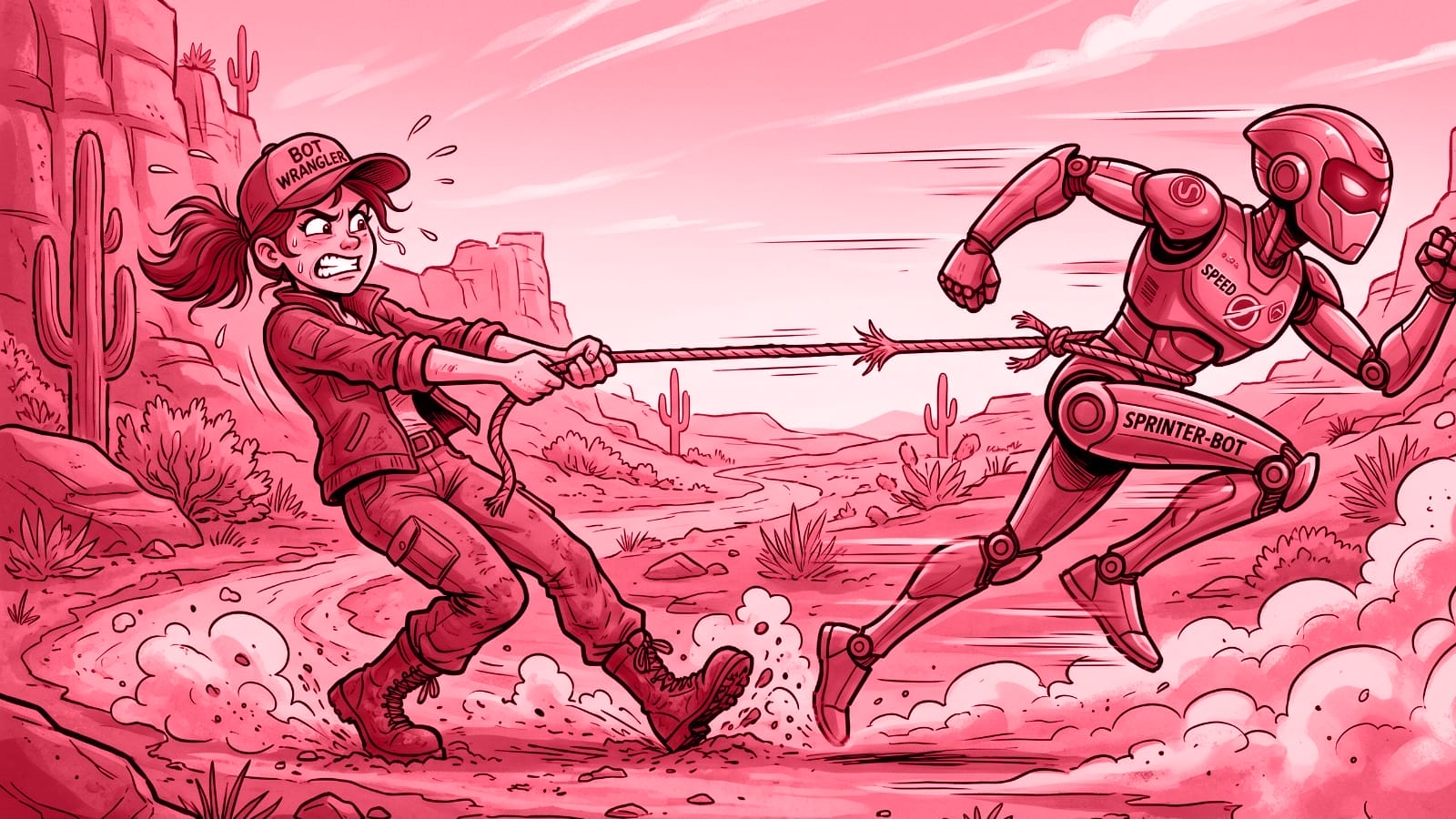
AI tools want to lure you to the dark side of content creation. They are not evil. They are just misguided. The root cause: AI assistants like ChatGPT, Gemini, Claude, and others have been trained to be as helpful as possible. Because of this, they love to rush ahead and do way more than you actually want them to.
It’s so tempting to let them just do everything … To submit to the dark side …
In this article, I’ll explain why it’s a bad idea to let the AI take over. We will look at the long-term damage it does to your skills and the abysmal quality it often produces.
More importantly, I will show you what to do instead. You will learn a practical, step-by-step strategy for working with AI that allows you to improve your content creation while remaining in charge.
The counterintuitive trick: To gain speed we need to first slow down. Otherwise, we might hurry in the wrong direction.
Problem 1: Outsourcing your critical thinking and your creativity
It is easy to hand the steering wheel over to AI. These assistants are actually more than happy to do everything for you. That’s how they’ve been trained.
While this behavior is helpful in some situations, it is the wrong approach when using them for writing.
I get why people are tempted to use AI this way, of course. For one, there can be outside pressures demanding it. Employers and clients nowadays expect big productivity gains from AI. I’ll come back to that below and explain in more detail why this is problematic.
Furthermore, staring at a blank page can be scary, and getting started takes a lot of energy on some days.
Just to be clear: There’s nothing wrong with using AI as a creative jump-starter. I have been doing that and it has helped me a lot.
The problems start when you rely on AI for the full creative process. In that moment, you are outsourcing your critical thinking and your creativity. In doing so, you inherently undervalue your own experience, your unique personality, your quirks, and your specific human voice.
Look at it this way: Writing is rarely just about recording what you already know. More often than not, it can be the process of figuring out what you actually want to say.
But there’s more, and it has to do with the element of chance: When you do the writing yourself, you naturally take intellectual detours, stumble upon serendipitous discoveries, and generate brand new ideas along the way. This is valuable.
If you delegate this process completely to an AI, you lose this journey. You might fail to notice the gaps in the logic, and you almost certainly won’t develop that one surprising insight that transforms your text from a generic collection of words into something fully yours.
There is also the danger of skill atrophy: If you stop doing the heavy lifting, you will slowly forget how to create things yourself. Or you won’t have the patience anymore to give a creative project its time, because you know how quickly an AI would whisk something up for you. Why endure the pain, when the AI is so eager to take over for you?
Eventually, this can lead to an identity shift: You transform from a unique creator into a machine operator. Some people see that as the future of our profession. I don’t believe it. Yes, you need to know how to use AI. But you also need to have your own, unique skills. Otherwise, you will make yourself disposable.
It also strips the fun and excitement out of your daily work. I for one didn’t get into writing because I yearned to become a machine operator.
And last but not least: Being a creator also means developing a taste. You get a feeling for what’s good, what’s exceptional, and what’s just mediocre. This taste needs training as well. If you skip this, how can you judge and improve AI output?
Problem 2: The abysmal quality of “one-shot” results
Beyond the loss of creativity, there is a very practical problem with letting AI do everything at once: the illusion of speed at the expense of quality results.
For one, the output is objectively worse when you let an AI write a long-form piece in one go. It gets better immediately when you do it piecemeal.
Another major problem is the “debugging” nightmare. When a long output feels “off,” it can be incredibly difficult to figure out what you actually like about it, what you dislike, and how to fix it. That’s at least how it is for me.
A rough AI draft can be helpful for a small section or a paragraph, but not for a whole article. There are hundreds of micro-decisions to be made while writing that the AI simply shouldn’t make for you. Just think about pacing, tone, and framing. These can develop during the writing process. To repair this after the fact is hard and tedious. This is especially true when the AI went off the rails right at the beginning…
What is the result? You end up spending more time rewriting or trying out new prompts, pulling the slot-machine lever again and hoping for a better result.
This is why I don’t like how the current discussion around content creation with AI almost exclusively revolves around “higher speed” and “more productivity.”
Yes, AI can help speed things up. Yes, it can help you be more productive. But if speed is your main focus, you inevitably produce AI slop. “Do it worse, but faster” doesn’t sound like a winning long-term strategy to me and it certainly doesn’t sound like a profession I want to be in.
As a quick side note directed at employers and clients who often don’t see it this way: In the long run, treating content acceleration as your main priority will backfire. Trust and authority are not built on volume.
We should be thinking more about how AI can help us improve our content or how it can enable things that were simply not possible before.
I’ll give you one example that also showcases the grey areas: this website and its newsletter are published with the help of AI. I’m transparent about that, telling you how this site is made and which prompts I use. I also clearly mark the posts that are written by AI first and then edited and published by me afterwards.
This post you are reading right now is different: It’s written by me and the AI is my assistant. This is why it has my name attached to it.
I’m happy to admit that Smart Content Report would be impossible in this form without AI. I would not be able to summarize so many articles in two languages.
So is it about speed after all then? Am I a hypocrite? Not from my point of view, because for me it’s not about speed or quantity, but about building an archive of news, tools, tips, facts and figures around the topic of AI for content professionals. It’s also about keeping myself up-to-date on the latest developments.
The main advantage for me is that AI enables me to do something that would be impossible without it. I’m not trying to do what I did before, just faster and worse. I’m doing something new that is helpful for me (and maybe helpful for you).
The solution: A step-by-step strategy
How do we avoid the “do it worse, but faster” trap while still taking advantage of AI’s strengths? The counterintuitive answer is: you have to slow down to accelerate. Do your work step by step with AI at your side, instead of putting AI in charge.
To make this more concrete, here is the workflow I used to write this very article:
1. Brainstorming: Start messy. I recorded an audio file of my raw thoughts, a stream of consciousness, and dumped it into the AI. This is the building material for the article. It already includes my personal thoughts, opinions, and point of view. A great starting point.
2. Structuring: Next, I used the AI to organize that brain dump into an outline. This is a strong suit of AI. But I still didn’t just accept its first attempt and move on. I reviewed the outline. I clarified my points, added new ideas that came up during the review, and restructured it until it made logical sense to me.
3. Drafting: This is the most important rule: Do not let the AI write the whole article from the outline in one go. Instead, ask the AI to draft one section of the outline at a time. As mentioned above: The quality of the output gets better almost immediately when you let the AI do smaller chunks. It makes it easier to guide and steer it, too.
4. Reviewing: Once the AI generates a chunk, read it, edit it, and retain control. I write parts of the text completely myself to make sure it sounds like me. If the AI misses the mark, I correct it. I tell it what to fix, let it learn from my changes, or I just take over completely. Only when I am happy with that specific section do we move on to drafting the next one.
This might sound like a lot of work to you, but it can get me into the “flow” of writing even on the more difficult days. Over time I’ve learned when to ask the AI for help or do a hand-off with it and when to take over and do it myself.
It is a fluid back-and-forth between my biological brain and the artificial equivalent. It accelerates me, but in a good way, because I’m the one deciding about the pace. If I let the AI do everything, I’d need to catch up with it all the time and that is straining and exhausting.
And there’s lots of space for my critical thinking, for my creative mind, for my experience and skill to actually take hold in this process.
Another example of “taking it slow” is to make sure you start at the actual beginning of a task when working with AI. Let me give you an example for that too: I’m not experienced when it comes to sales copy. I would never offer this to clients. But I do it for my own projects. This is a moment in which AI can be really helpful, if you do it right.
The wrong way: Just give the AI a pile of information and tell it to “make a landing page”.
The right way: Ask first what makes a landing page successful. What are best practices? Which elements are needed?
It’s counterintuitive, but AI can have expert knowledge in a field or a skill and still not use it if you don’t explicitly tell it to. Seems strange, but that’s how these tools work.
In this case, if you just tell it to “make a landing page” it will generate something that is close to what the average landing page might look like. This is even true for “thinking” or “reasoning” AI models.
But if you ask it first to retrieve the needed expert knowledge, you can then let it work on that landing page with you in the next step.
If you have this need regularly, I recommend saving these best practices in a document you can upload next time or set up a project or custom AI with it. That streamlines this process for the future, resulting in the coveted productivity gains with AI without comprising on quality or casting your skills to the side.
Final word
The other day I had an idea for a story and I asked AI to help me map it to a storytelling framework. I wanted to think it through, step by step, but I forgot to mention that in my prompt. Naturally, the AI just went ahead and did it all for me in one go. Boom, there was my outline.
This was supposed to be a fun exercise (yes, that is one definition of fun to me). I told it to scratch it all, take a few steps back and let us think through it really slow. Maybe even just discuss it without committing to a result right away. Boy, did the AI struggle with that slow pace.
It’s hard for them not to rush ahead. It’s so deeply ingrained in their training.
That experience was the trigger to write this article. It reminded me of all the moments in which I had to slow down the AI and myself to get better results.
P.S: If you have a boss or client who doesn’t really get how going too fast can slow you down, send them this article. Maybe it helps.
Stay up to date
AI for content creation: the latest tools, tips and trends. Every two weeks in your inbox:

