Google has released a native Gemini app for macOS. The app is available for free to all Gemini users on macOS 15 and later and can be downloaded at gemini.google/mac.
Unlike using Gemini in a browser, the desktop app is always accessible via a keyboard shortcut: Option + Space. This opens a pill-shaped prompt bar from anywhere on the Mac without switching windows or tabs. A Gemini icon also sits in the Menu Bar for quick access.
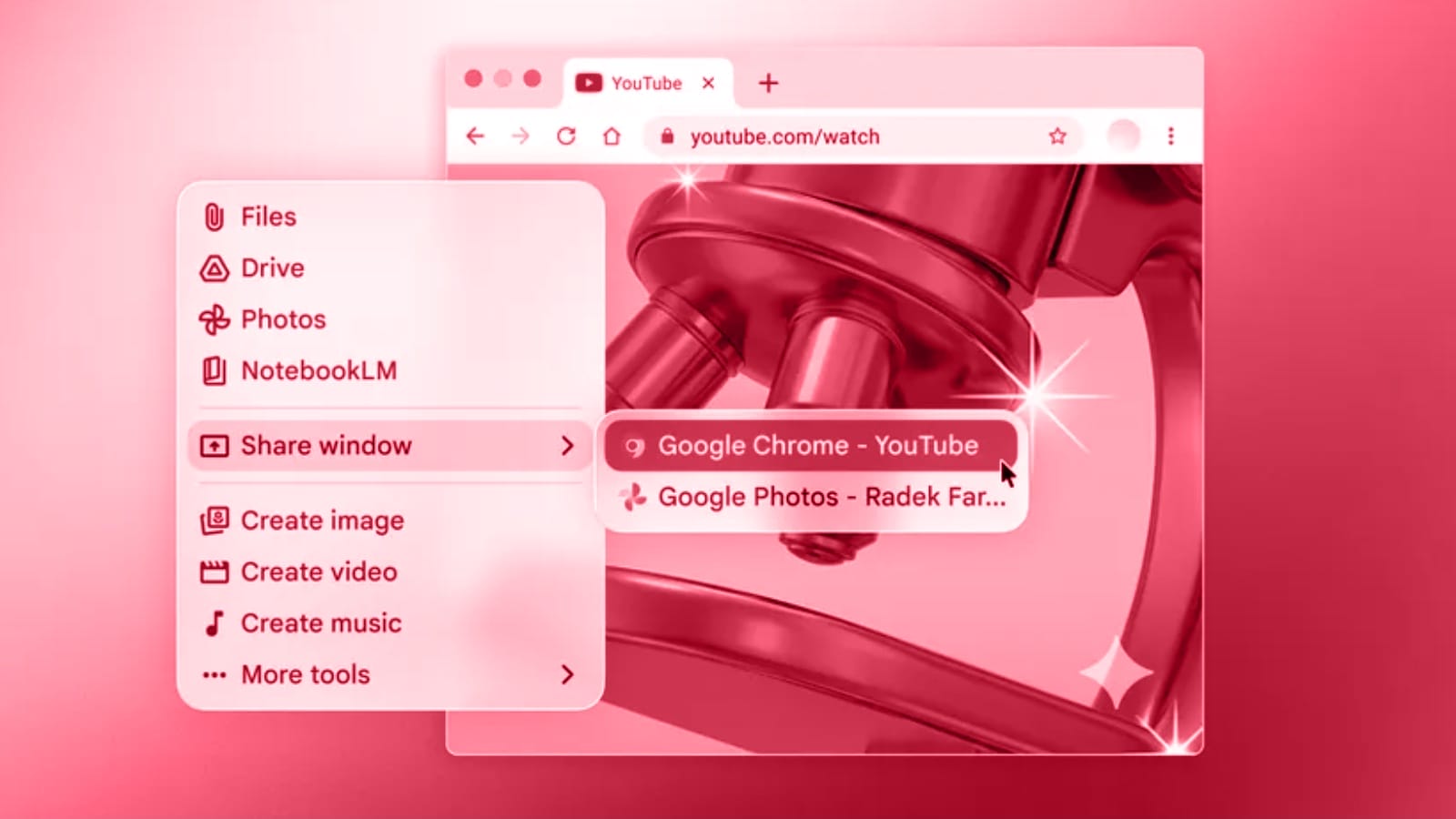
The app includes a screen-sharing feature that lets users share any open window with Gemini. According to Google, this allows users to ask questions about what is currently on their screen, including local files. Google gives the example of sharing a chart and asking for a summary of its key points.
The app offers several built-in tools, including image generation, video creation, music creation, Canvas, Deep Research, and Guided Learning. The interface syncs with the user’s Google Account and mirrors the layout of gemini.google.com.
Google describes this release as a foundation for a more capable desktop assistant, with further updates planned.
Sources: Google, 9to5Google
Stay up to date
AI for content creation: the latest tools, tips and trends. Every two weeks in your inbox:

